How to Redeem Toilet Tower Defense Codes
Exact lobby steps, REBALANCE rewards, and fixes when a code fails.
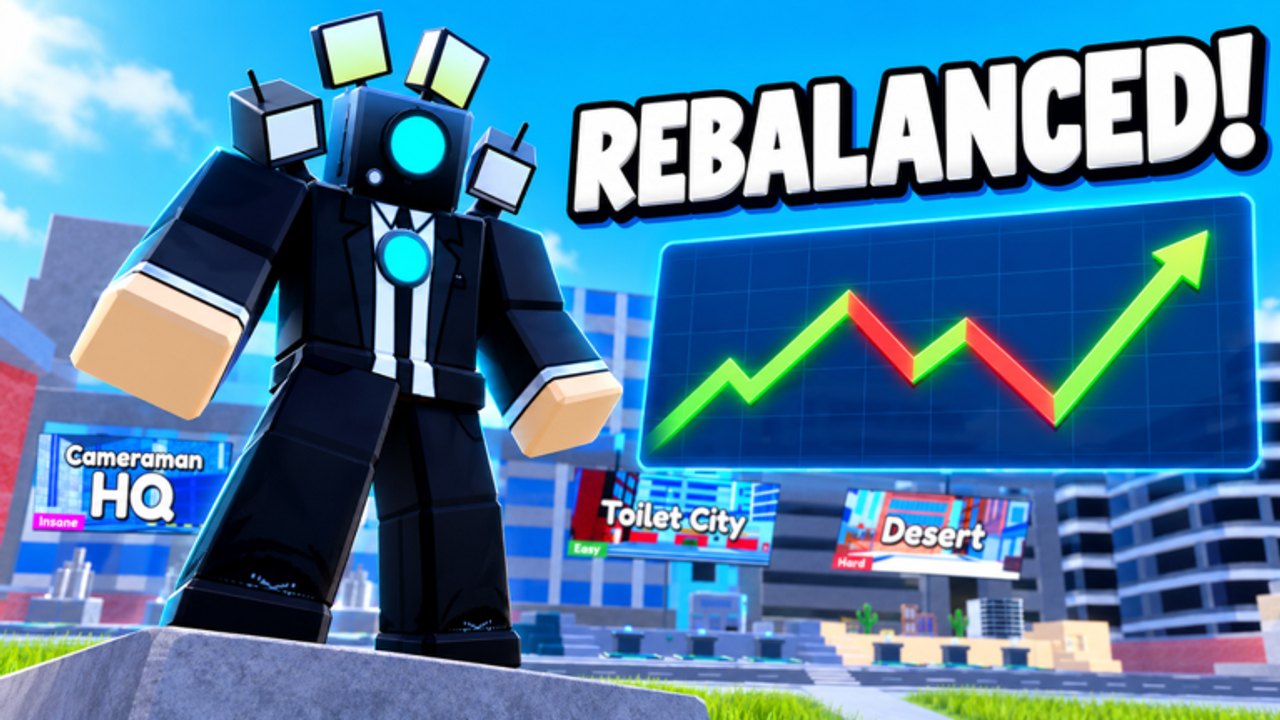
Promo codes in Toilet Tower Defense returned with the November 2026 REBALANCE update after a long stretch where redemption was unavailable. This guide walks through the exact lobby steps, what REBALANCE currently grants, and how to fix the errors that make players think codes are broken when the real issue is typos, case, or an expired string.
Keep the live list on the Codes hub open while you redeem. This page is the how-to; that hub is the status table. New limited-use codes can hit a redemption cap, so claim them as soon as Telanthric posts them.
Step-by-step: redeem in the lobby
- Launch Toilet Tower Defense by Telanthric Development on Roblox (place 13775256536).
- Wait until the lobby fully loads — the Codes button will not help mid-match if your client still shows a loading screen.
- Click the Codes button in the top-right of the screen (near Update Log on most layouts).
- When the Codes pop-up opens, click the Enter code field.
- Type or paste the code exactly as published. Prefer paste from a trusted list to avoid look-alike characters.
- Press Redeem and wait for the success toast or reward grant.
- Close the pop-up and confirm the reward in your boosts, currency, or inventory UI before you queue.
That is the only supported path most trackers document after codes returned. Older articles that say there is no Codes button describe the post-trading removal era, not the current REBALANCE build.
Active highlight: REBALANCE
REBALANCE is the flagship code tied to the return of redemption. Reward: 2x Luck for roughly 30 minutes. Enter it in all capitals. Redeem immediately before you open summons or crates so the luck window covers the pulls you care about, not idle lobby time.
Status can change without a patch note when limited codes exhaust. If Redeem fails after a clean paste, treat the code as expired or capped and check the Codes page for replacements. Do not keep retrying the same string dozens of times — that will not revive a dead code.
Case, spaces, and copy mistakes
Codes are case-sensitive. REBALANCE works when that is the published form; rebalance or Rebalance usually fails. Leading or trailing spaces from messy copy-paste also fail. If you type by hand, watch for capital i versus lowercase L, and for zero versus the letter O on numeric codes when those return.
Never add /redeem or extra words unless an official channel explicitly revives a chat command. Current guidance centers on the Codes button → Enter code → Redeem flow.
Troubleshooting when Redeem fails
Already redeemed. Most codes are one claim per account. A second attempt returns an already-used style error even if the code is still active for others.
Expired or capped. Limited-use and event codes stop working after the window or redemption pool ends. Remove them from your personal list and watch Telanthric channels plus the Codes hub.
Wrong place or private server oddities. Redeem in the public Toilet Tower Defense lobby for the live place. If you are on an outdated client, rejoin from the Roblox game page.
UI not opening. Wait out lobby load, try fullscreen toggle once, or rejoin. Mobile players sometimes miss the top-right control behind another panel — close Update Log or inventory overlays first.
Reward not visible. Luck boosts appear as timed buffs; currency updates wallet totals. Relog if the toast succeeded but the UI did not refresh.
When to redeem for maximum value
Luck boosts pair with summon or crate sessions. Coin or gem codes pair with shop goals you already planned. Redeeming REBALANCE and then AFKing in the lobby wastes half the timer. Queue a planned pull list first, redeem, then open.
If you are brand new, redeem after reading Getting Started so you know whether to spend early luck on farm units or bend DPS. Mid-game players should cross-check the tier list so luck goes toward targets that still matter after REBALANCE rarity tuning.
Codes history players still ask about
Redemption was removed for a long period after trading-era changes in 2023. Guides from that window correctly said codes did not work. The November 2026 REBALANCE patch restored the Codes UI and shipped REBALANCE as the comeback code while also raising the gem cap to 50M, rebalancing troops around rarity, and adjusting farm income. Articles that still claim “there are no codes” are outdated relative to that patch.
Telanthric has also teased limited-usage codes tied to like milestones and social drops. Those can vanish after a redemption cap even if the string still circulates on social media. Always verify on the Codes hub the same day you redeem.
Quick redeem checklist
- Lobby loaded, Codes button top-right visible.
- Code pasted with correct case and no spaces.
- Redeem pressed once; wait for feedback.
- Confirm boost or currency before summons.
- On failure: check already-used, expiry, and the live Codes list — then stop retrying dead strings.
Master this flow once and every future drop takes under a minute. Pair it with solid early-game habits from Getting Started and you will not leave free luck on the table.
Frequently Asked Questions
Quick answers to the most common Toilet Tower Defense questions.
How do I redeem codes in Toilet Tower Defense?
Open the Codes button in the top-right of the lobby, type the code in Enter code, then press Redeem.
What does the REBALANCE code give?
REBALANCE grants a 2x Luck boost for about 30 minutes. Enter it in all capitals before you summon.
Why does my code say it failed?
Common causes are wrong case, extra spaces, already redeemed on that account, or an expired/capped code. Recheck the Codes hub.
Do codes work in private servers?
Redeem in the standard Toilet Tower Defense lobby on the live place. Rejoin from the Roblox game page if the Codes UI is missing.
Where is the full list of working codes?
See the Codes hub for the live table. This guide only covers redemption steps and troubleshooting.